

What Is TalkTree? A Guide to the Core Features
TalkTree is a workspace for exploring AI conversations as maps. Learn how paths, personas, model choices, synthesis, sharing, and exports work together.
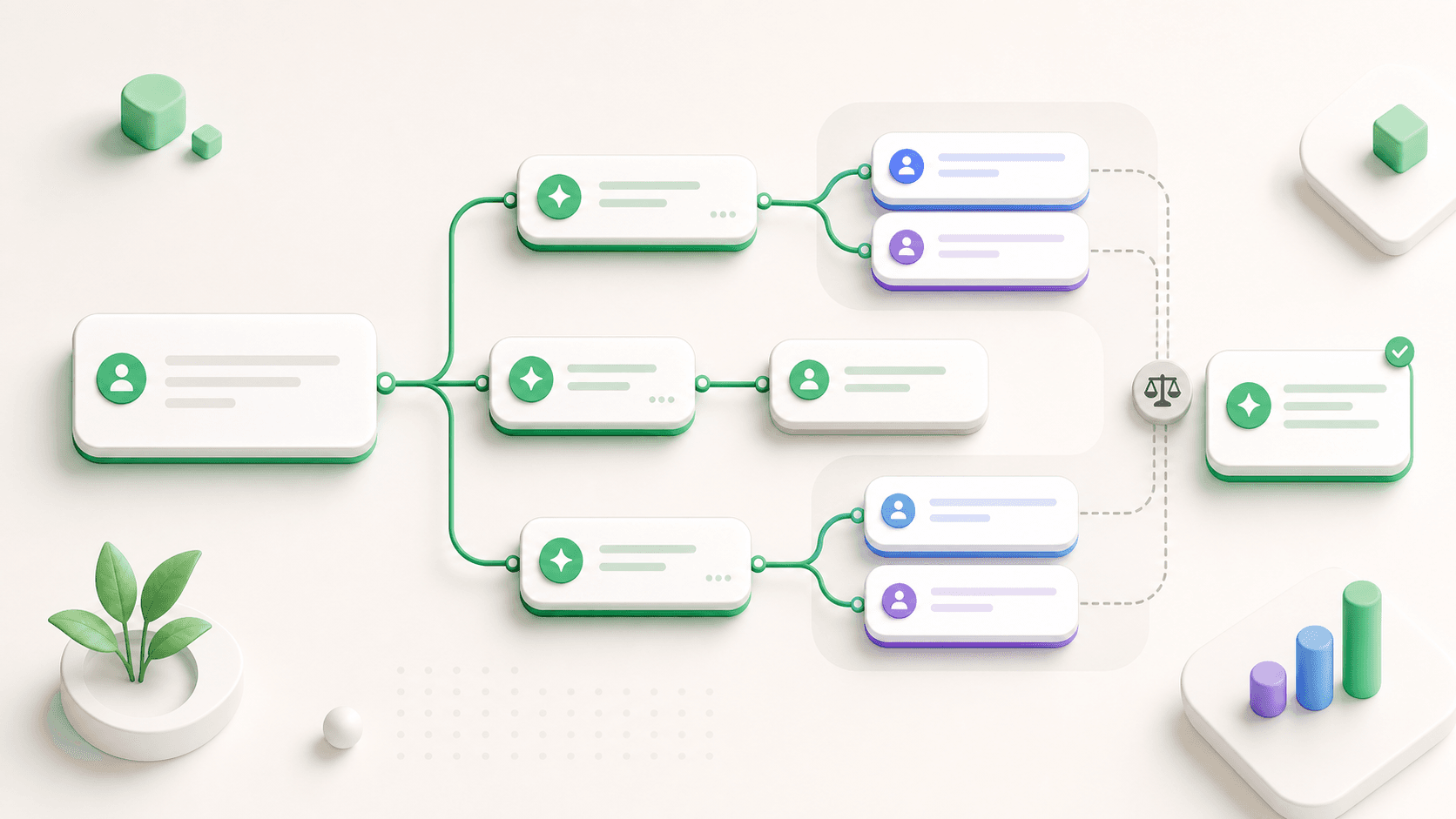
TalkTree is an AI conversation workspace built for work that does not fit in one straight chat thread.
Instead of treating every message as the next item in a long scroll, TalkTree lets you turn important moments into new paths. You can ask different follow-up questions, compare answers, switch viewpoints, and bring the strongest ideas back together.
Here are the core features and how they work together.
Conversation Maps
The main idea in TalkTree is the conversation map.
You start with a normal AI conversation: you ask a question, the AI answers, and you continue. When a reply opens several possible directions, you can start a new path from that point.
That means one answer can lead to multiple follow-up questions:
- What would option A look like?
- What would option B teach us?
- What assumptions are we making?
- What would a skeptical reviewer say?
The map keeps those directions visible, so your thinking does not disappear into scroll history.
Start from Any Message
In a normal chat, going back is awkward. You can scroll, but you cannot easily continue from an earlier decision point without mixing old and new context.
In TalkTree, any message can become a starting point for another path. The new path keeps the earlier context but stays separate from the original direction.
This is useful when:
- An AI answer contains several possible next steps.
- You want to test a different assumption.
- You want to ask a more specific follow-up.
- You want to preserve the original path before exploring a risky idea.
Different Viewpoints and Personas
TalkTree supports different AI personas, so each path can examine the same situation through a different lens.
For example:
- A market analyst can evaluate customer behavior and positioning.
- A senior engineer can inspect feasibility and complexity.
- A devil's advocate can challenge weak assumptions.
- A creative strategist can look for non-obvious alternatives.
- A Socratic tutor can ask clarifying questions before answering.
This helps when the first answer is not enough. Instead of asking for "more detail" again and again, you can ask the same situation to be evaluated from different viewpoints.
Model Choice per Path
Some work benefits from using different models or model styles. A fast model might be enough for summarizing. A stronger reasoning model might be better for technical tradeoffs. An open local model might be preferred for privacy-sensitive work.
TalkTree is designed so paths can carry model choices separately. That lets you compare not only different questions, but also different model approaches.
The goal is not to make model switching complicated. The goal is to make it intentional.
Compare Directions
The value of opening multiple paths is comparison.
When each direction is separate, it becomes easier to ask:
- Which answer has the strongest reasoning?
- Which one depends on the riskiest assumption?
- Which one is easiest to test?
- Which one should become the final plan?
This is especially useful for product decisions, research, writing, architecture, and strategy.
Synthesize the Best Ideas
Exploration is only useful if it leads somewhere.
After comparing paths, TalkTree helps you bring ideas back together. You can synthesize different directions into a recommendation, draft, plan, decision memo, or summary.
A good synthesis might include:
- The recommendation.
- The strongest evidence.
- The biggest tradeoff.
- The unresolved risk.
- The next test.
This turns AI work from a pile of answers into a usable output.
Favorites and Exports
Not every message matters equally. TalkTree lets you save important messages so you can return to them later.
You can also export an active path as Markdown. This is useful when an AI conversation turns into something you want to keep: a brief, an outline, a research note, a decision memo, or a technical plan.
Shareable Conversation Maps
Some AI work is useful to share because the reasoning matters, not just the final answer.
TalkTree supports read-only public sharing for conversation maps. Instead of sending a flat transcript, you can share the shape of the exploration: where the question started, which paths were explored, and what each path produced.
Who TalkTree Is For
TalkTree is most useful for people who use AI for complex, iterative work:
- Product managers comparing strategy options.
- Founders evaluating business decisions.
- Writers exploring different drafts.
- Engineers testing implementation approaches.
- Researchers organizing sub-questions.
- Students learning a topic from several angles.
If you only need quick answers, a normal chat is enough. If you need to explore, compare, and synthesize, TalkTree gives that work a better shape.
The Short Version
TalkTree helps you:
- Start from any message.
- Explore multiple paths.
- Use different personas or models.
- Compare answers clearly.
- Synthesize the strongest ideas.
- Save, export, and share the result.
It is not just chat history. It is a workspace for thinking with AI.
Try the workflow in TalkTree
Open the demo workspace and explore AI conversations as maps.